
Stock arrivesCarton · pallet · item
Receive → verify → ERP
See every step from arriving stock to an ERP-ready record.
The complete receiving flow
Stock in. Clean data out.
Match the receiptPO · supplier · SKU · quantity
Scan the labelOCR reads printed traceability data
Are lot number and expiration date printed on the label?
LOT 24A18EXP 08/2027
Enter them from receiving documents or another approved source. If unknown, flag the record as Needs action—BatchVerify does not guess.
Operator verifiesComplete, correct and linked to the item
Record is readyExceptions stay in Needs action
Receive into ERPCSV/XLSX import or mapped workflow
Inside the app
Capture. Check. Clear exceptions.
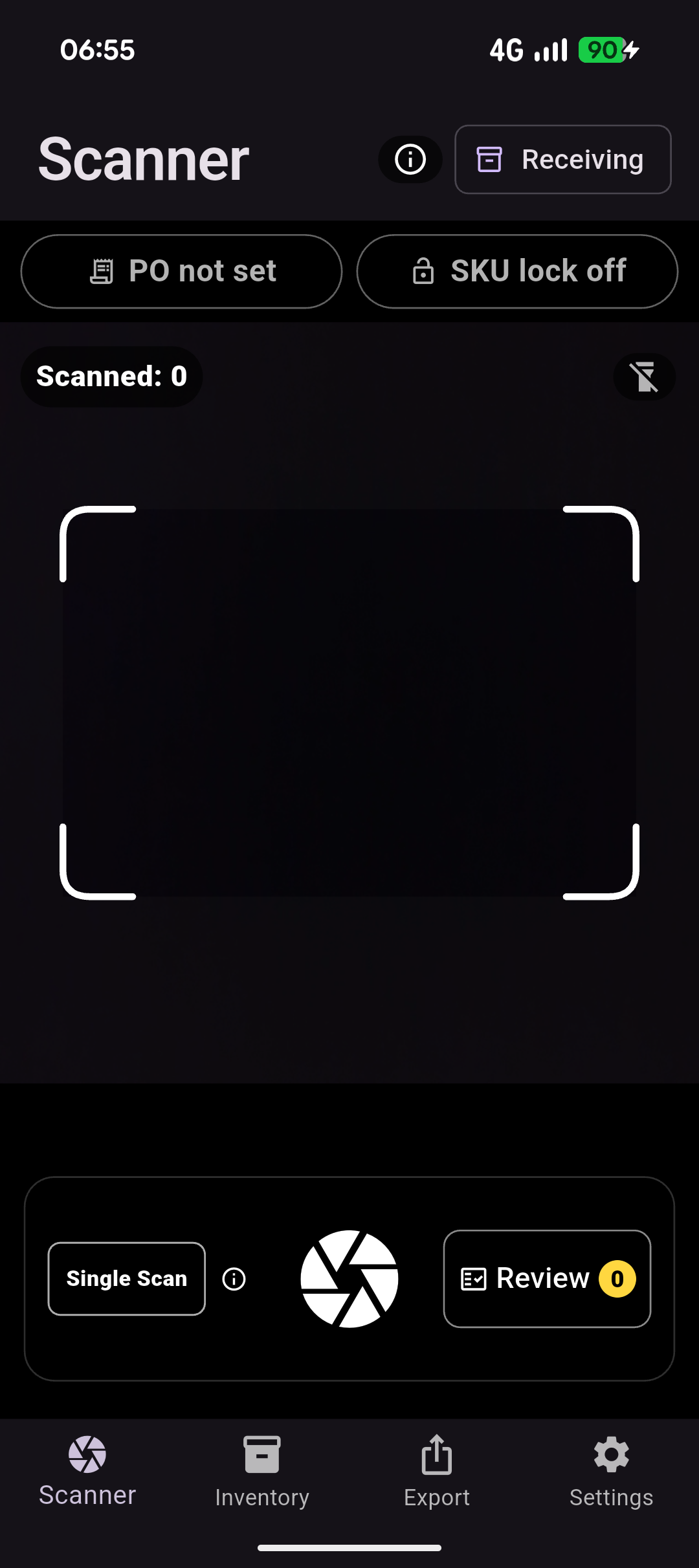
Capture
Scan with PO and SKU context.
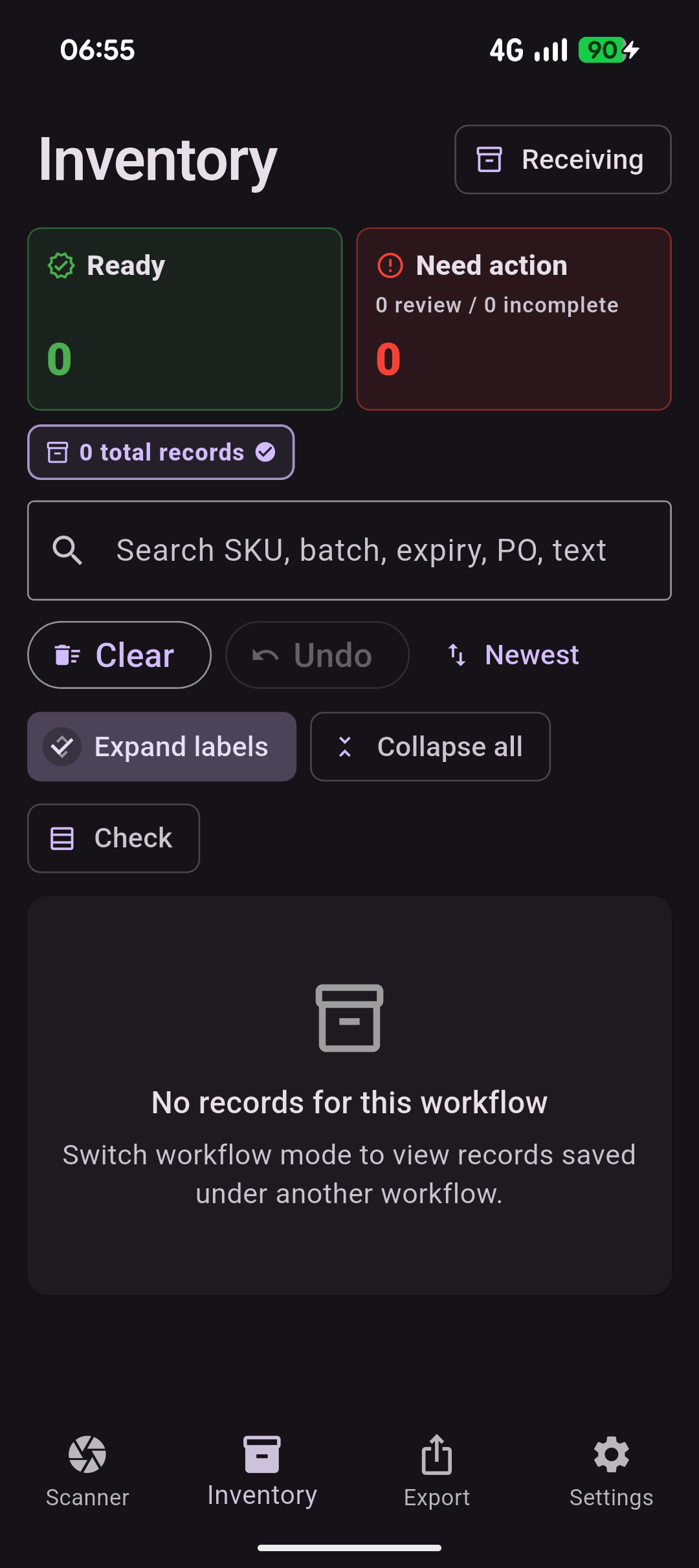
Inventory overview
See ready and need-action counts.
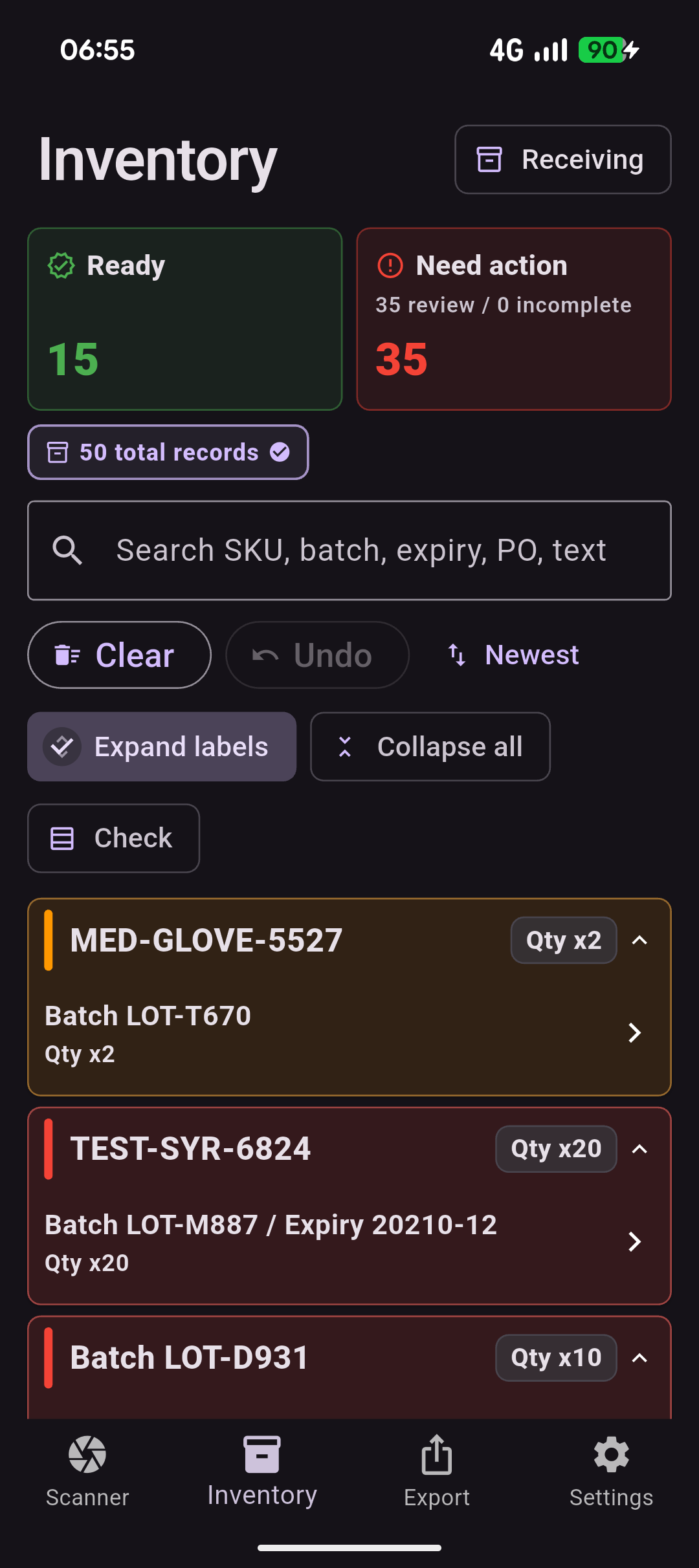
Review queue
Resolve missing or uncertain details.
Want to trial the workflow?
Send a question or register interest in team and enterprise modes.
Use the support page to open a pre-filled email to support@batchverify.com.au.