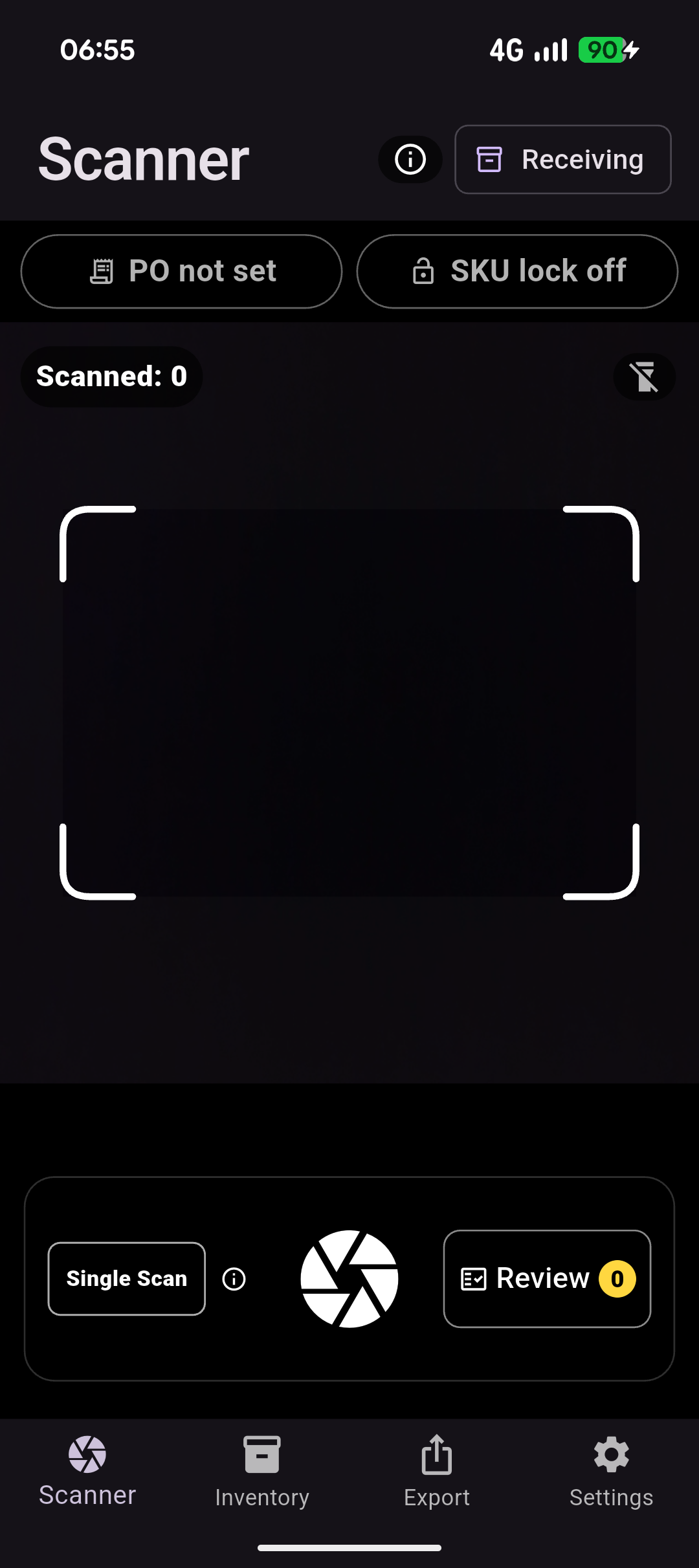
Capture at the point of work
Scan a label or barcode during receiving, stocktake, or routine inventory checks.
 BatchVerify
 Traceability data entry, simplified
Scan product labels and barcodes, confirm the important fields, and move accurate traceability records into the tools your team already uses.
From label to usable record
Manual label entry creates delays and transcription errors. BatchVerify brings capture, field review, and export into one focused mobile workflow while the original label is still available.
Scan a label or barcode during receiving, stocktake, or routine inventory checks.
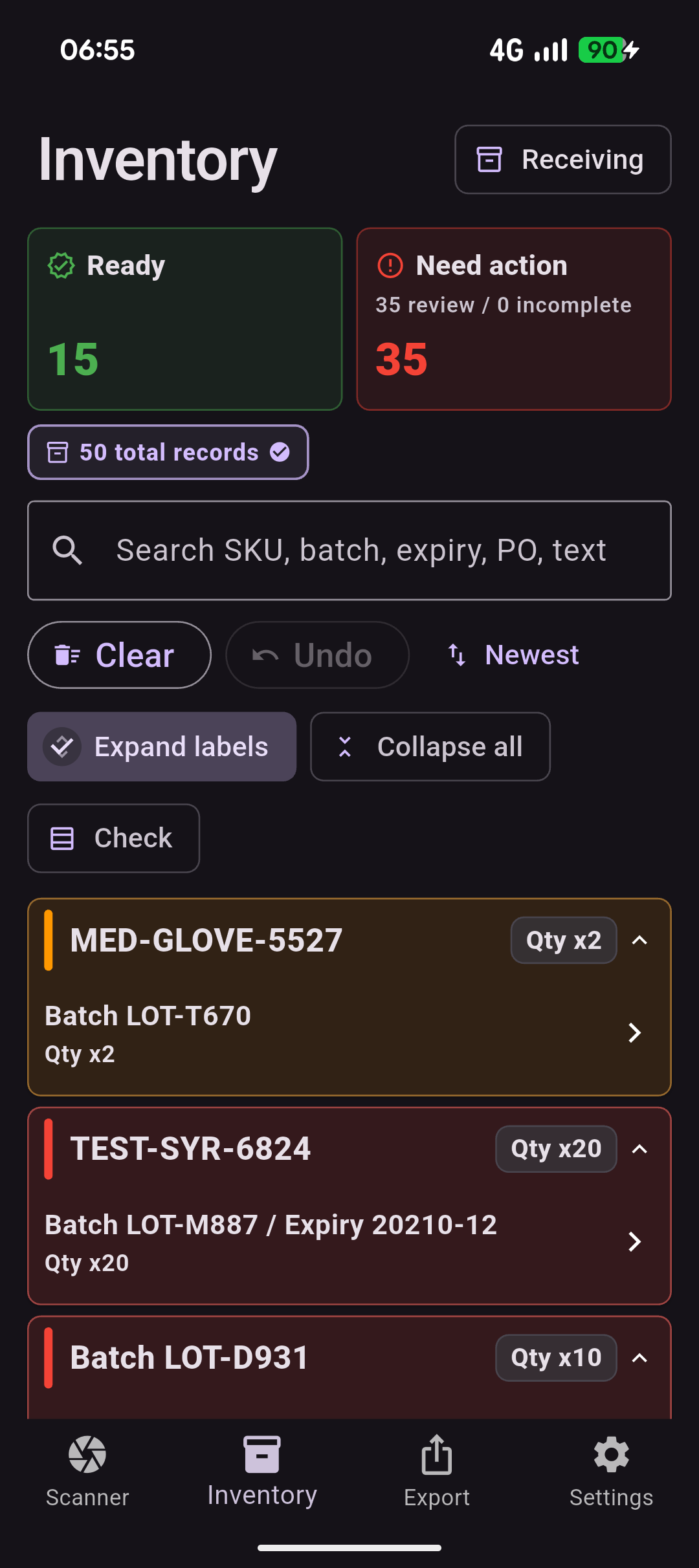
Keep incomplete or uncertain records visible so operators can verify them against the label.
Move confirmed fields into consistent export-ready inventory and traceability records.
Three-step workflow
Scan a label or barcode and collect the identifiers needed for the operational task.
Confirm uncertain, missing, or incomplete fields while the physical label is still available.
Send consistent, verified records into spreadsheet, inventory, compliance, or admin workflows.
Core capabilities
Use your phone to capture batch, lot, expiry, quantity and product-label details at receiving—so compliance records are complete, reviewable and ready to export.
Read the printed label details a barcode often does not contain, including batch or lot number, expiry date, manufacture date, quantity, supplier reference and product information.
Combine camera OCR with barcode and GS1 data to create a more complete, reliable traceability record from every received item.
Flag missing, conflicting or low-confidence details before records are accepted, giving operators a clear opportunity to review and correct critical traceability fields.
Import expected delivery lines from CSV and scan goods against them to identify matched, over-received and unexpected items.
Reuse the same capture workflow for dispatch and stocktake, with the fields and exported data needed to maintain product traceability.
Create configurable CSV or Excel exports containing the batch, expiry, product and audit details required for downstream compliance or operational reporting.
Local-first by design — capture and review sensitive product traceability data on the device, then export it when needed.
Practical by design
Local processing and queued capture are designed around work that cannot wait for stable Wi-Fi.
Capture images and extracted fields stay visible to the operator before a record is confirmed or exported.
Read the privacy approachBatchVerify is designed around practical mobile capture using the device camera already in your hand.
Early access
Join Android launch updates or talk to us about receiving, stocktake, and traceability workflows.