Capture identifiers
Capture batch, lot, serial, expiry, quantity, SKU, and reference details from the labels operators already handle.
 BatchVerify
 Traceability workflow
Capture once, verify quickly, and keep expiry, batch, lot, serial, SKU, and quantity data in a record your team can use later.
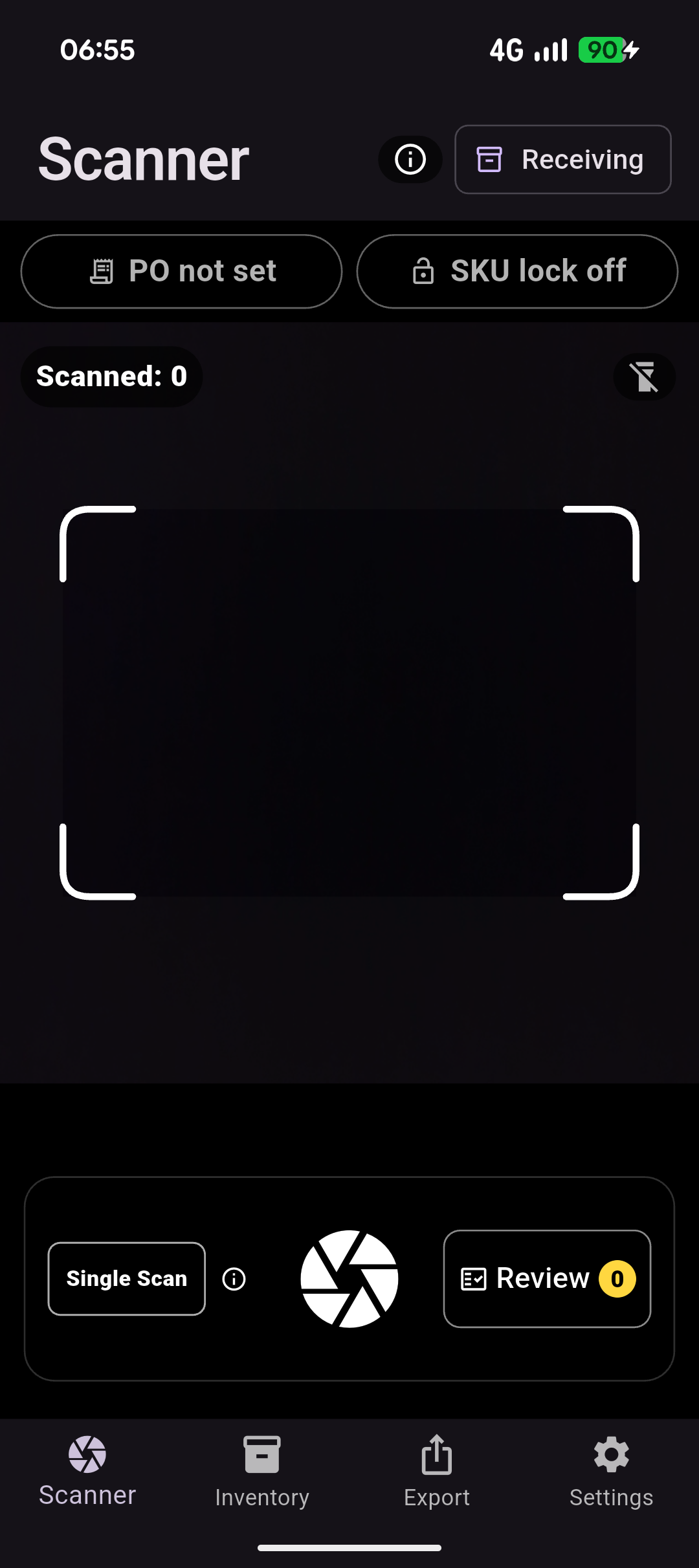
Capture batch, lot, serial, expiry, quantity, SKU, and reference details from the labels operators already handle.
Operators confirm extracted values before traceability records move into spreadsheets or downstream workflows.
Export structured fields that are easier to search, filter, and share than photos, notes, or handwritten sheets.
Where it helps
Give operators a faster way to capture the details they already check, while keeping review close to the physical label and the export clean for the next team.
What you get
Questions
BatchVerify is designed to fit around existing warehouse, inventory, and spreadsheet workflows, so teams can try mobile capture without a heavy systems project.
Those values are often the details teams need later for recalls, compliance checks, stock rotation, and supplier follow-up.
No. OCR-assisted capture gives operators a faster starting point, but review keeps people in control before export.
The workflow is built for varied real-world labels, with operator review available when a supplier format or dense label needs judgment.
BatchVerify stores traceability details as structured fields instead of leaving them buried in photos, notes, or handwritten sheets.
Start now
Use the free path to test the workflow on real labels. Book a demo when you want to discuss operators, capture volume, export formats, or a rollout across the team.