Collect structured fields
Create records with the traceability fields teams already need for spreadsheets, inventory updates, and admin workflows.
 BatchVerify
 Export workflow
Capture once. Verify the result. Send structured, timestamped records into the tools your team already relies on.
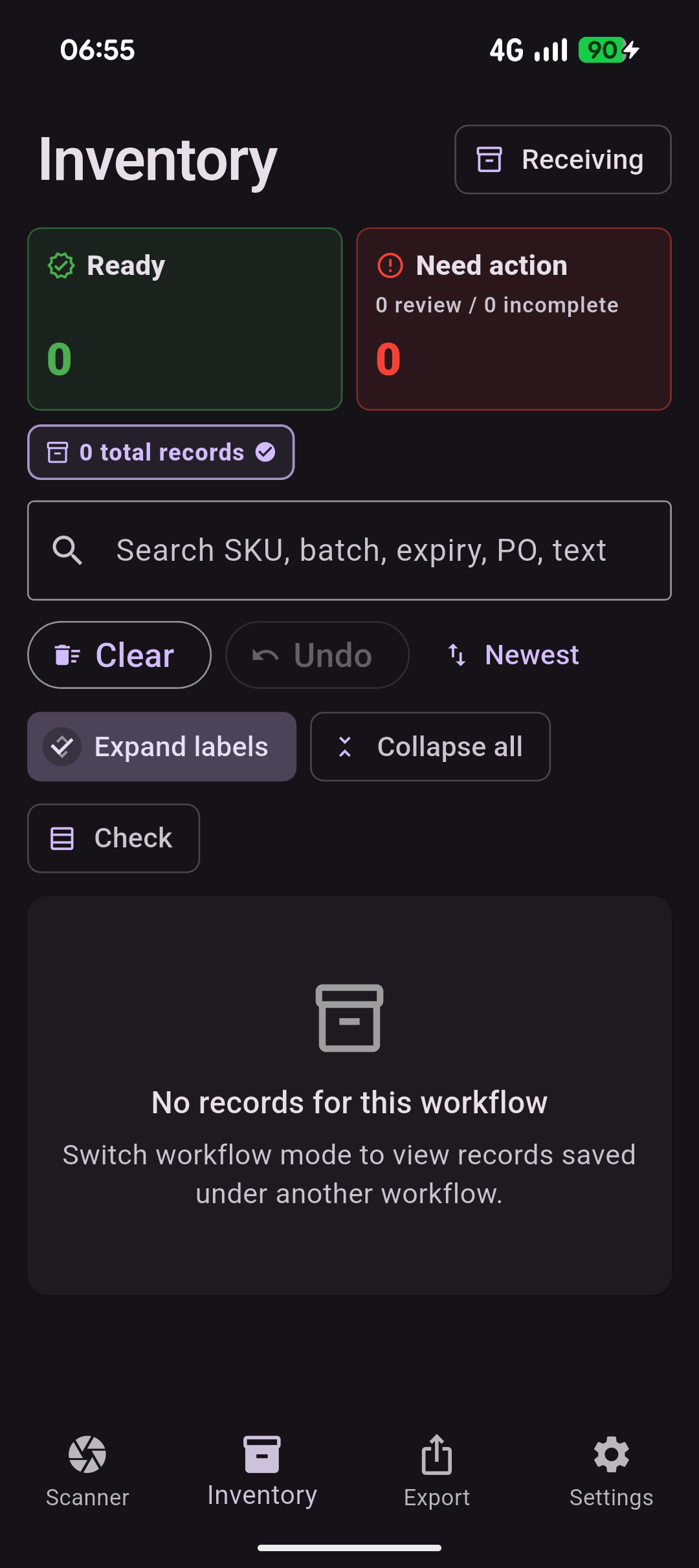
Create records with the traceability fields teams already need for spreadsheets, inventory updates, and admin workflows.
Use ready and need-action states so uncertain captures do not slip into the export as clean data.
Export records for inventory updates, admin tasks, reconciliation, supplier checks, and compliance workflows.
Where it helps
Give operators a faster way to capture the details they already check, while keeping review close to the physical label and the export clean for the next team.
What you get
Questions
BatchVerify is designed to fit around existing warehouse, inventory, and spreadsheet workflows, so teams can try mobile capture without a heavy systems project.
CSV is the core export path. XLSX and broader traceability export workflows are available for higher-volume or paid workflow needs.
Records can stay separate as ready or need-action so teams do not accidentally export uncertain captures as clean data.
Yes. BatchVerify creates structured records that are easier to move into spreadsheet and admin workflows.
A demo helps when teams need to discuss file format, column expectations, review rules, operator volume, or future integrations.
Start now
Use the free path to test the workflow on real labels. Book a demo when you want to discuss operators, capture volume, export formats, or a rollout across the team.