Capture inbound details
Collect the important fields from cartons, supplier labels, and receiving documents while stock is still in front of the operator.
 BatchVerify
 Receiving workflow
Capture PO, supplier, batch, lot, expiry, and quantity details from labels. Give admin and inventory teams a cleaner record from the start.
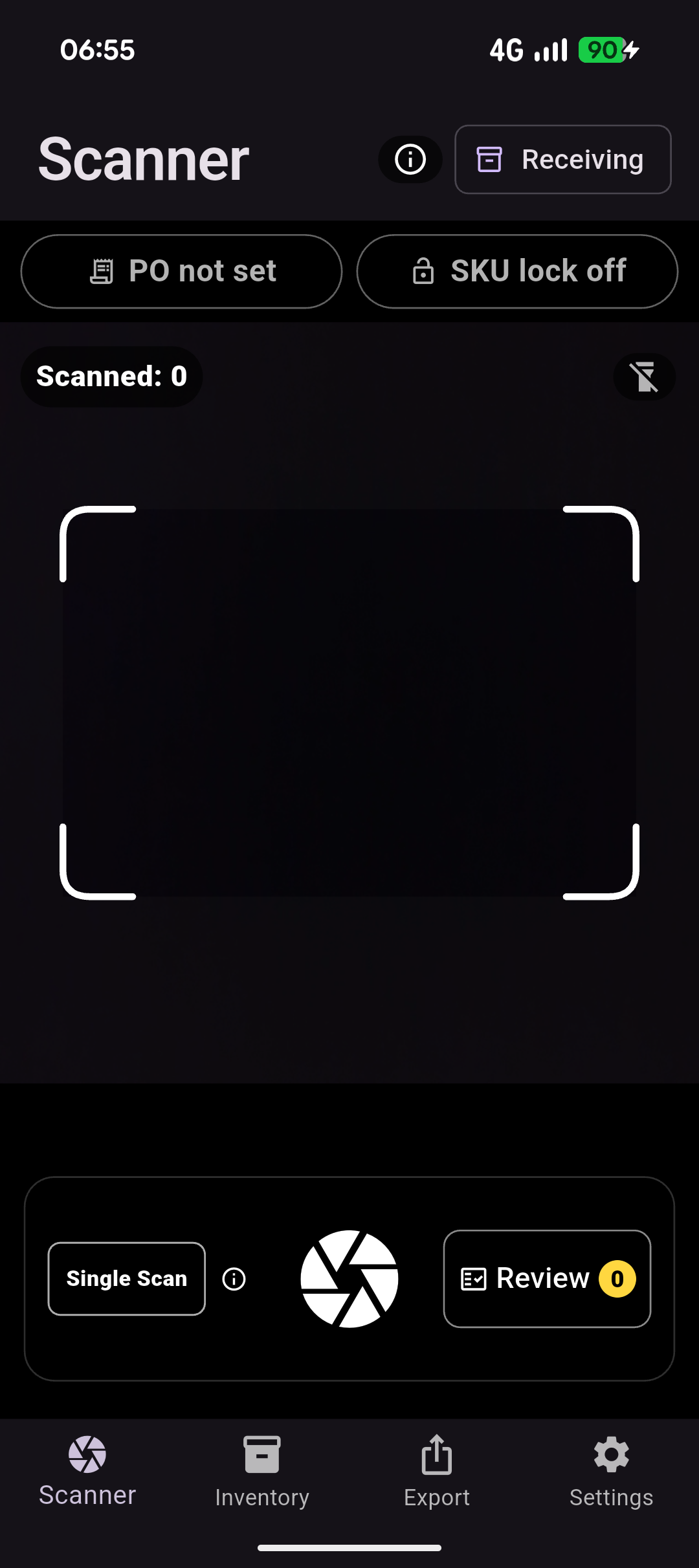
Collect the important fields from cartons, supplier labels, and receiving documents while stock is still in front of the operator.
Check SKU, PO, batch, lot, expiry, quantity, and reference values while the label is still in front of the operator.
Send ready receiving records into spreadsheets, inventory updates, or admin workflows without typing the same data twice.
Where it helps
Give operators a faster way to capture the details they already check, while keeping review close to the physical label and the export clean for the next team.
What you get
Questions
BatchVerify is designed to fit around existing warehouse, inventory, and spreadsheet workflows, so teams can try mobile capture without a heavy systems project.
No. BatchVerify focuses on the capture, review, and export step so receiving data is cleaner before it reaches spreadsheets or operational systems.
Yes. Operators can trial the workflow with mobile camera capture instead of waiting on specialised receiving hardware.
Receiving workflows can capture SKU, PO, supplier reference, batch, lot, serial, expiry, quantity, and related label details.
Book a demo when you want to discuss capture volume, operator roles, export format, or how receiving capture would roll out across the team.
Start now
Use the free path to test the workflow on real labels. Book a demo when you want to discuss operators, capture volume, export formats, or a rollout across the team.